SLOT 01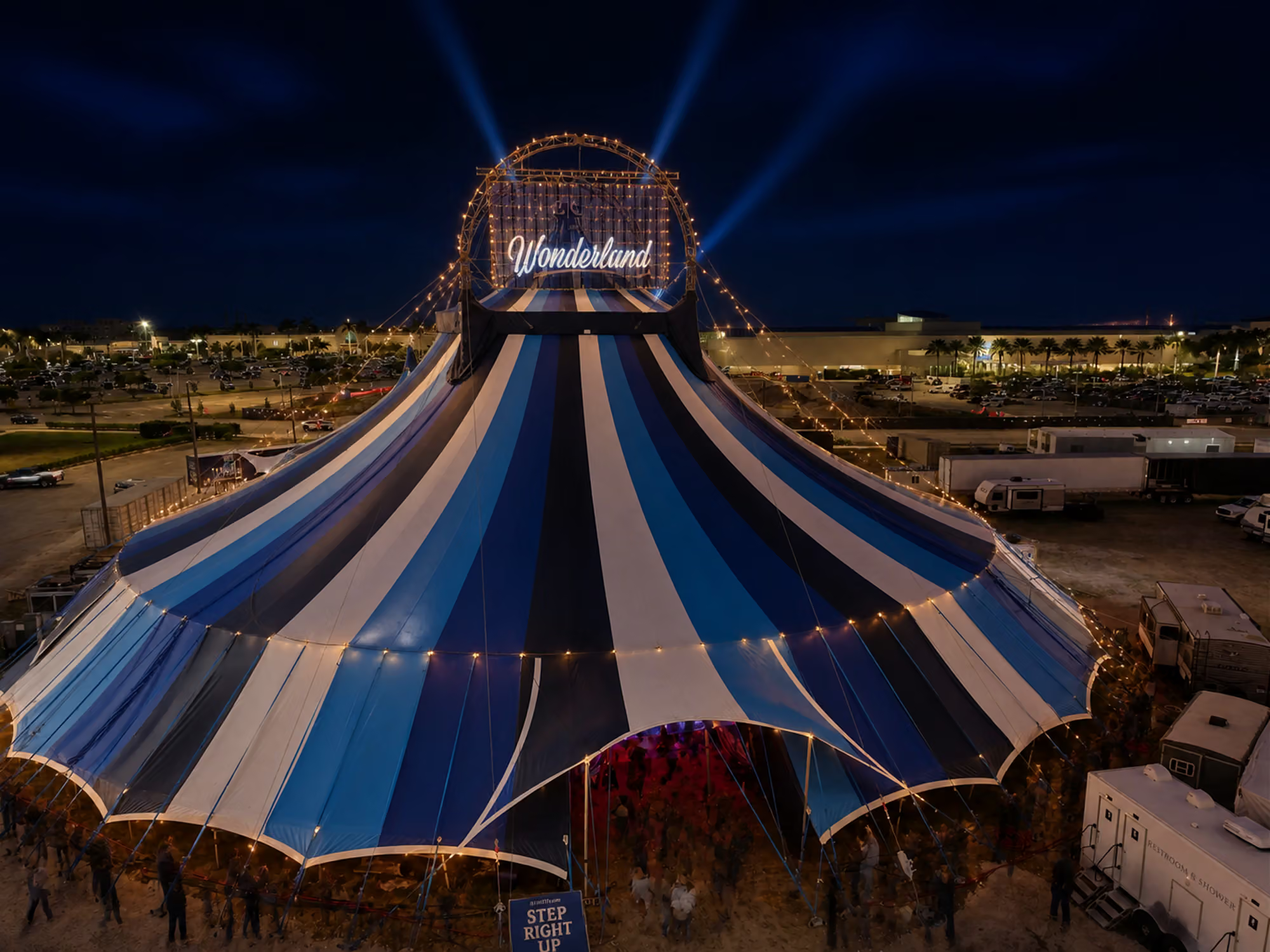
 Wonderland
Explore
HomeWhere courage meets wonder The ShowThree kinds of unforgettable VisitDirections, parking & arrival The ArtistsMeet this season's company Our StoryA legacy under the big top Past ProductionsA look back Become a PartnerAlign your brand with the extraordinary Group SalesBring your group to Wonderland Rent the Big TopPrivate & group events FAQAnswers before you arriveInternal Worksheet
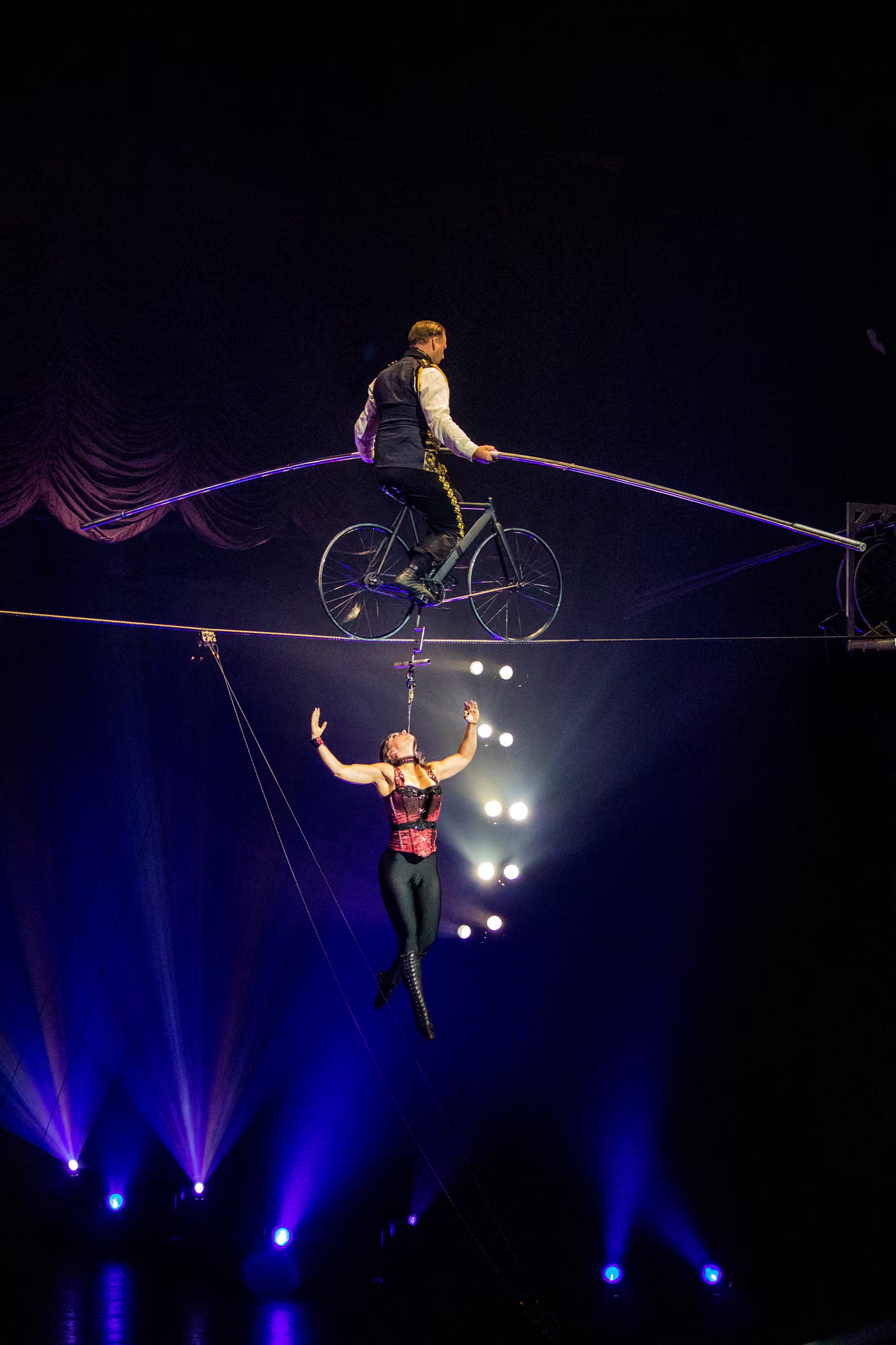
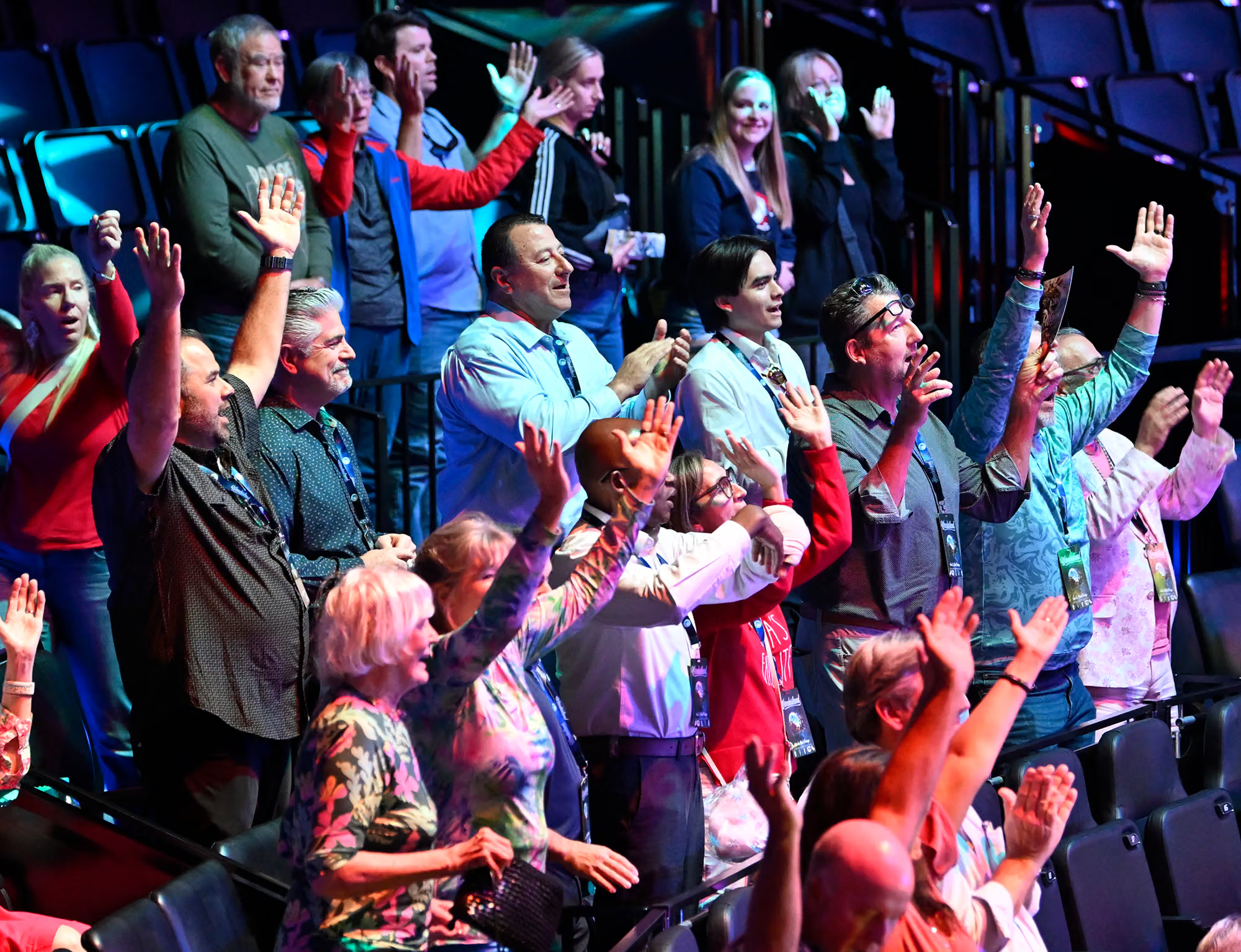
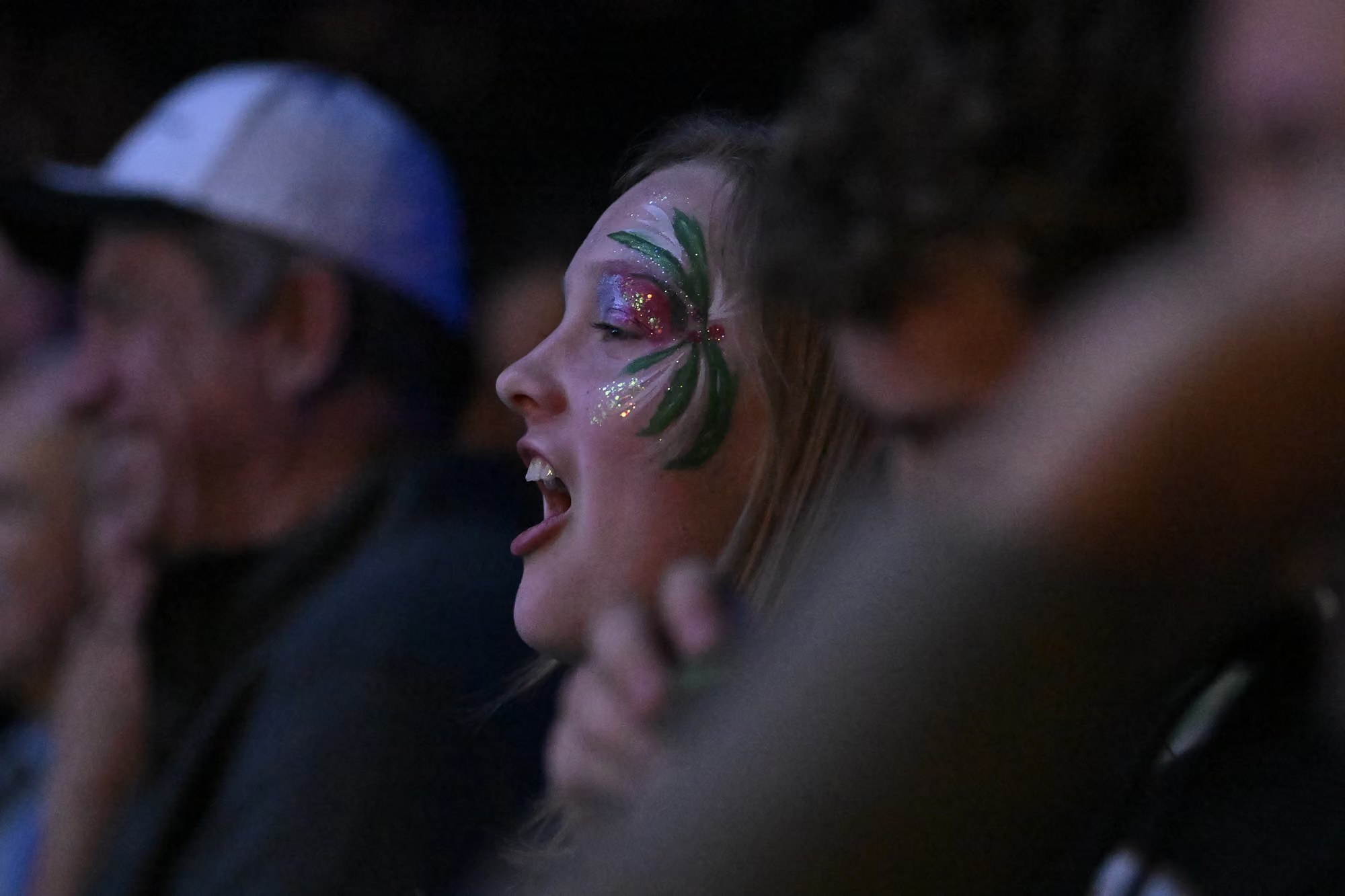
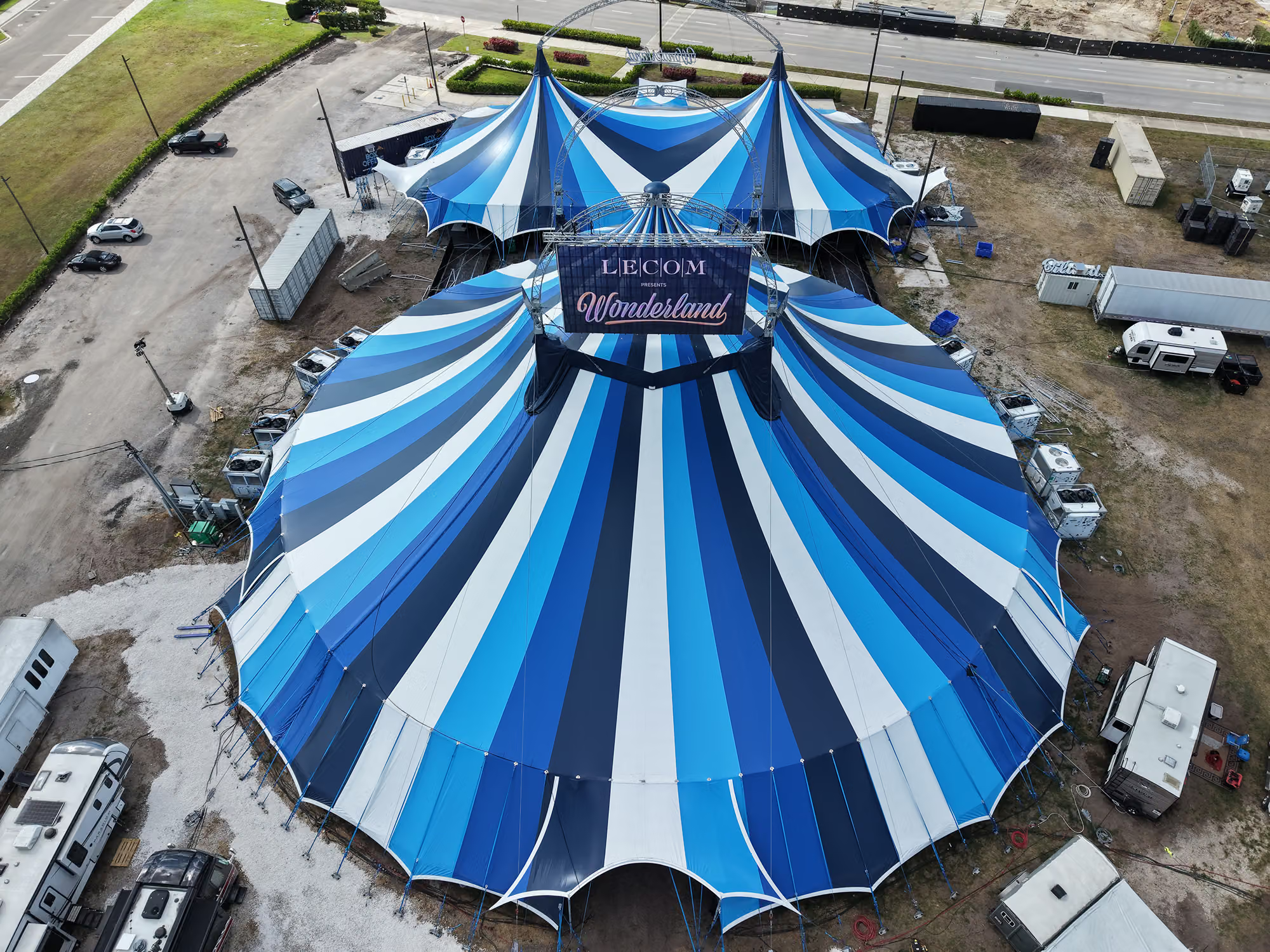
Every page in the main menu has one photograph behind it, revealed in the preview card when you hover that item. Below is each of those nine slots laid out flat, with no hover effects and nothing moving, so you can swap the artwork directly.
In edit mode, click any image below and replace it from the media library. Change as many or as few as you like.
I'll read this page back, pull whatever you picked, and write those images into the real menu with all the crossfade and hover effects intact.
Editing here changes nothing in the live menu. This page is a staging surface only, and it isn't linked from the nav or footer.
Each frame is locked to the same 1 : 1.02 ratio as the live preview card, so what you see cropped here is exactly what the menu will show. Pick images that read well as a tall-ish square, and keep the lower third relatively calm since the page title and Explore link sit over it.